KDP coloring book interior specs
Trim sizes, the border, the color key, and what has to be true of the PDF before you upload it.
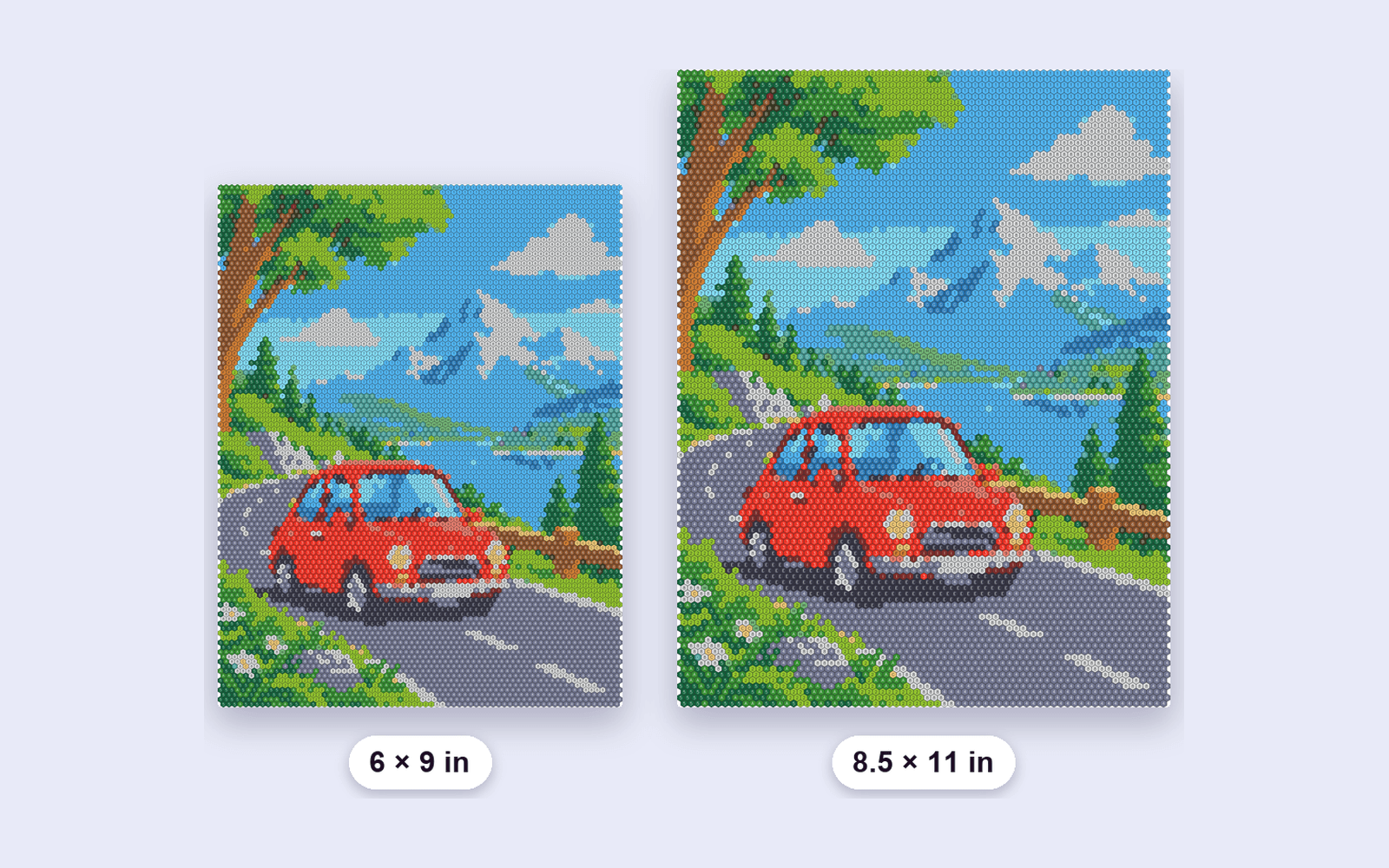
A KDP paperback interior is a PDF at a fixed trim. Mosaicly exports two: 6 × 9 in and 8.5 × 11 in. Both are built at 300 DPI, and that resolution is written into the file so a print service does not assume 72.
What sits on the page
The mosaic does not run to the edge. The layout keeps a border and the grid uses what is left. On 8.5 × 11 that grid is about 7.75 inches wide. On 6 × 9 it is about 5.25 inches wide. Each figure also gets its own palette page: a numbered ribbon, then every color with its symbol, a usage rating, and a plain-language name.
What to upload
Export the interior PDF and upload that file as the KDP interior. You still choose the same trim in KDP that you chose in the studio. A 6 × 9 PDF will not pass as an 8.5 × 11 interior, and the other way around.
Proof it
Open the PDF and check three things: the numbers sit inside their cells, the palette page lists every number that appears, and nothing important is in the outer border. Then run KDP's previewer. The studio does not submit the book for you.
The preview on this site is a rough grid in the browser. The file you upload is the studio PDF.