Making a color-by-number book for KDP
One setting for the whole batch, then numbered pages and answer pages in a single PDF.
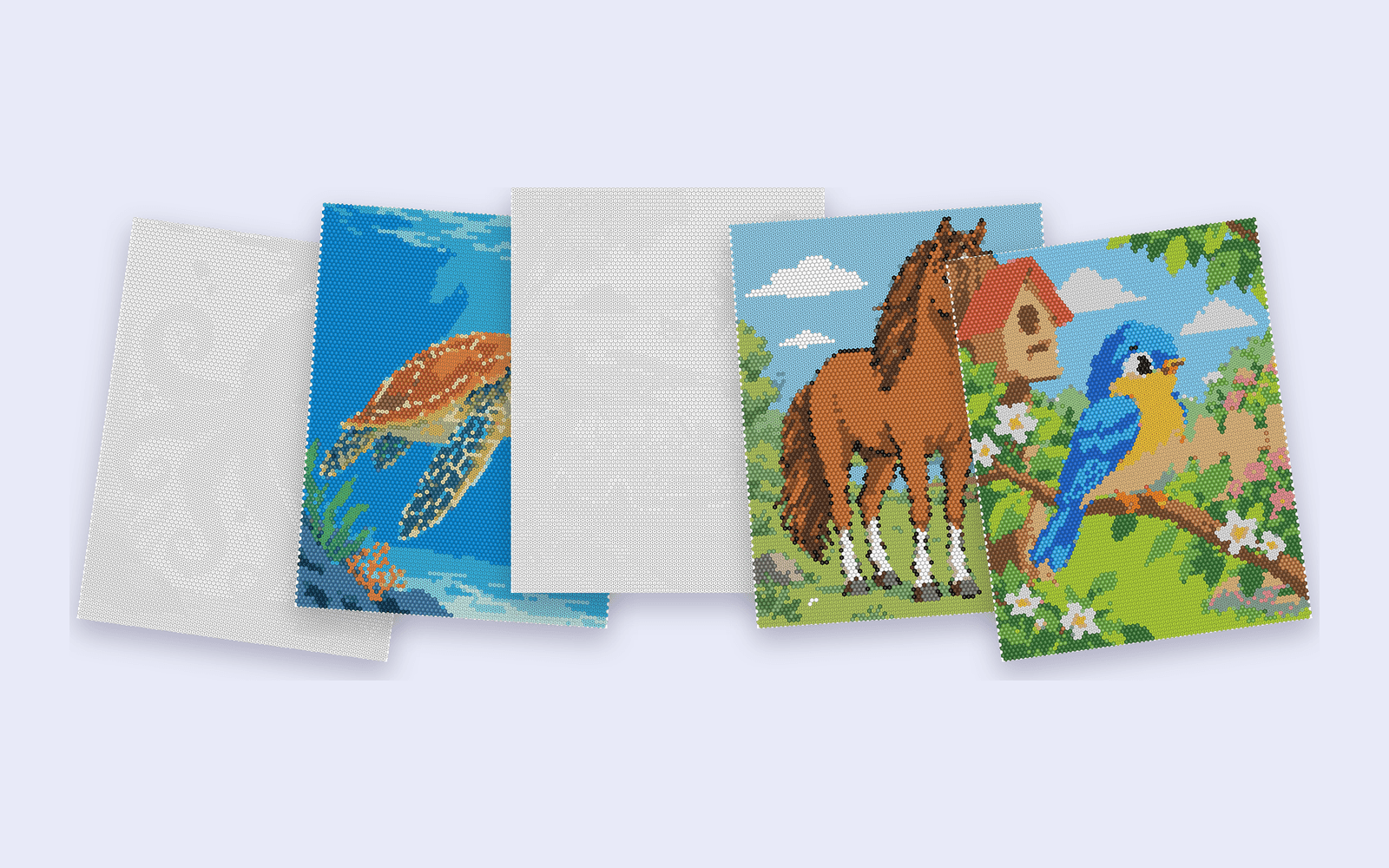
A color-by-number book is one palette habit, one cell size, and one trim, repeated until the interior is long enough. The slow part is not the idea. It is keeping page 50 in the same voice as page 1.
One pass
Paid packs can generate a batch: up to 10 images on Creator, 25 on Pro, and 50 on Publisher. The free plan is one image at a time. Set the trim, the cell size, and the shape once. Those settings apply across the batch, which is what makes the pages look like one book.
Uploading the folder does not spend a generation. A generation is used when an image is turned into a mosaic. A failed generation is restored.
The PDF order
The interior PDF is the numbered pages first, then the colored pages. Those colored pages are the answer key at the back of the book. You also get each colored page, numbered page, and palette legend as a PNG if you want to lay the book out yourself.
Before you upload to KDP
Match the trim you exported (6 × 9 in or 8.5 × 11 in) to the trim you select in KDP. Check that the color key is on the page and that the border is empty. Then use KDP's previewer.