Choosing and preparing a photo
Contrast, a clear subject, and the rights you need before a photo becomes a coloring page.
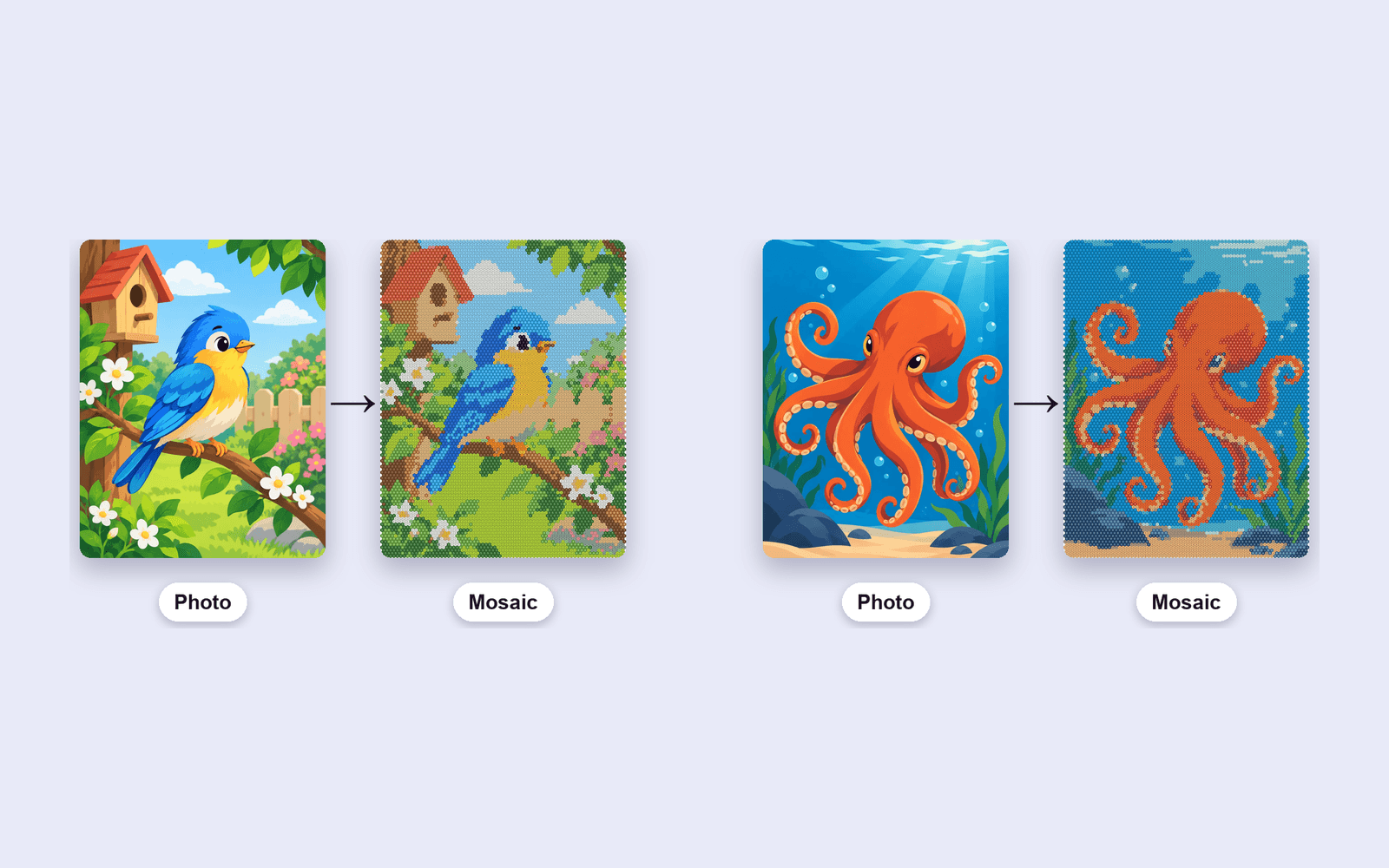
The converter cannot invent a subject that was not in the photo. It reduces the photo to a grid of flat colors. If the subject is already unclear, the page will be unclear too.
What works
A single subject, a plain background, and contrast between the two. A face against a wall, a flower against the sky, an object on a table. Busy crowds, tiny text, and low-contrast fog tend to collapse into one color.
Crop before you upload. The grid uses the whole image, so a tiny subject in a wide frame becomes a tiny subject made of a few cells.
Rights
Use images you own or have permission to use. That includes the preview on this site: it runs in your browser and is not uploaded, but a published book is still your responsibility. The studio does upload the file when you generate, and finished jobs are deleted after 72 hours. Amazon's content rules still apply to what you publish.